Hardware detection
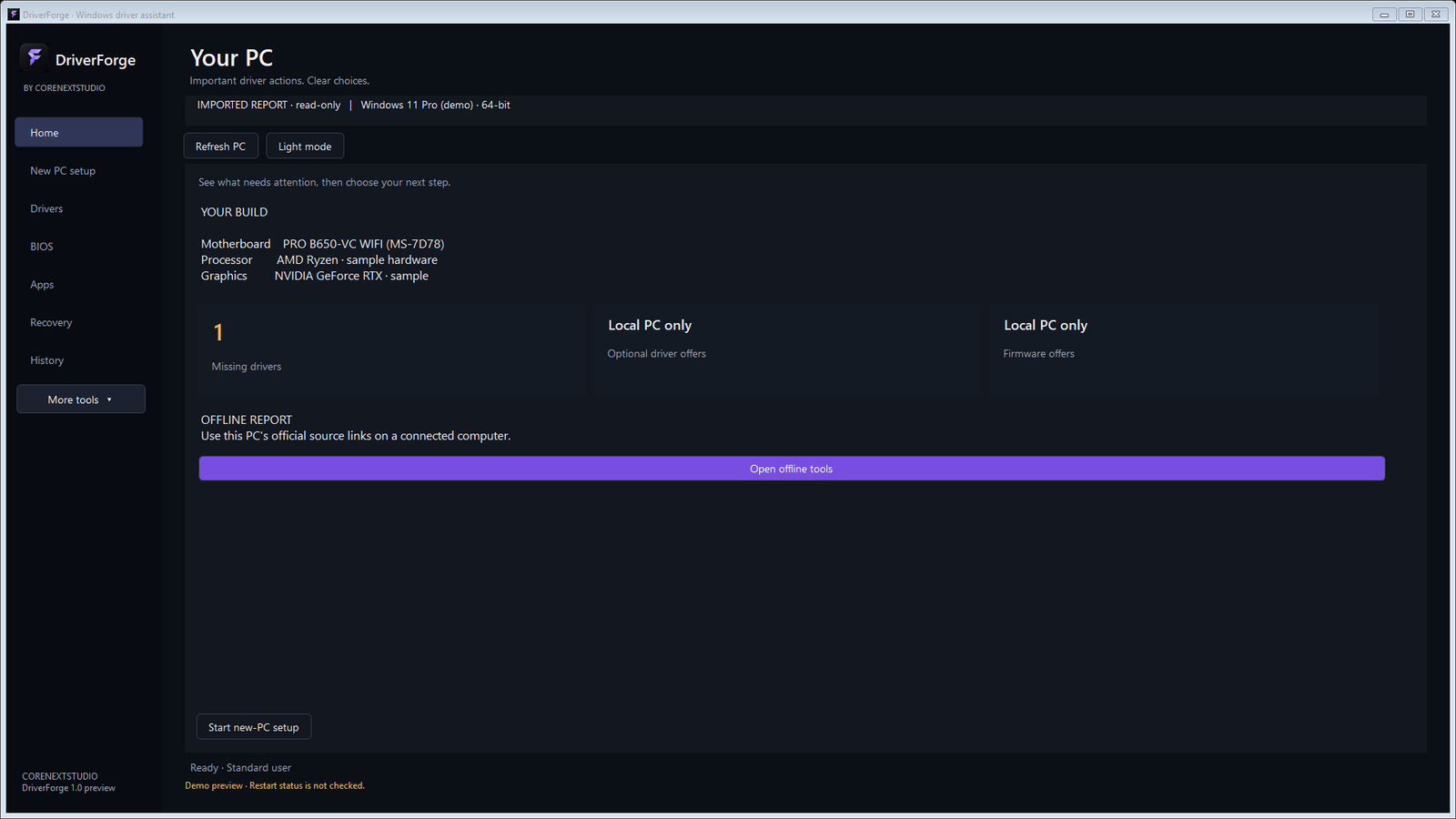
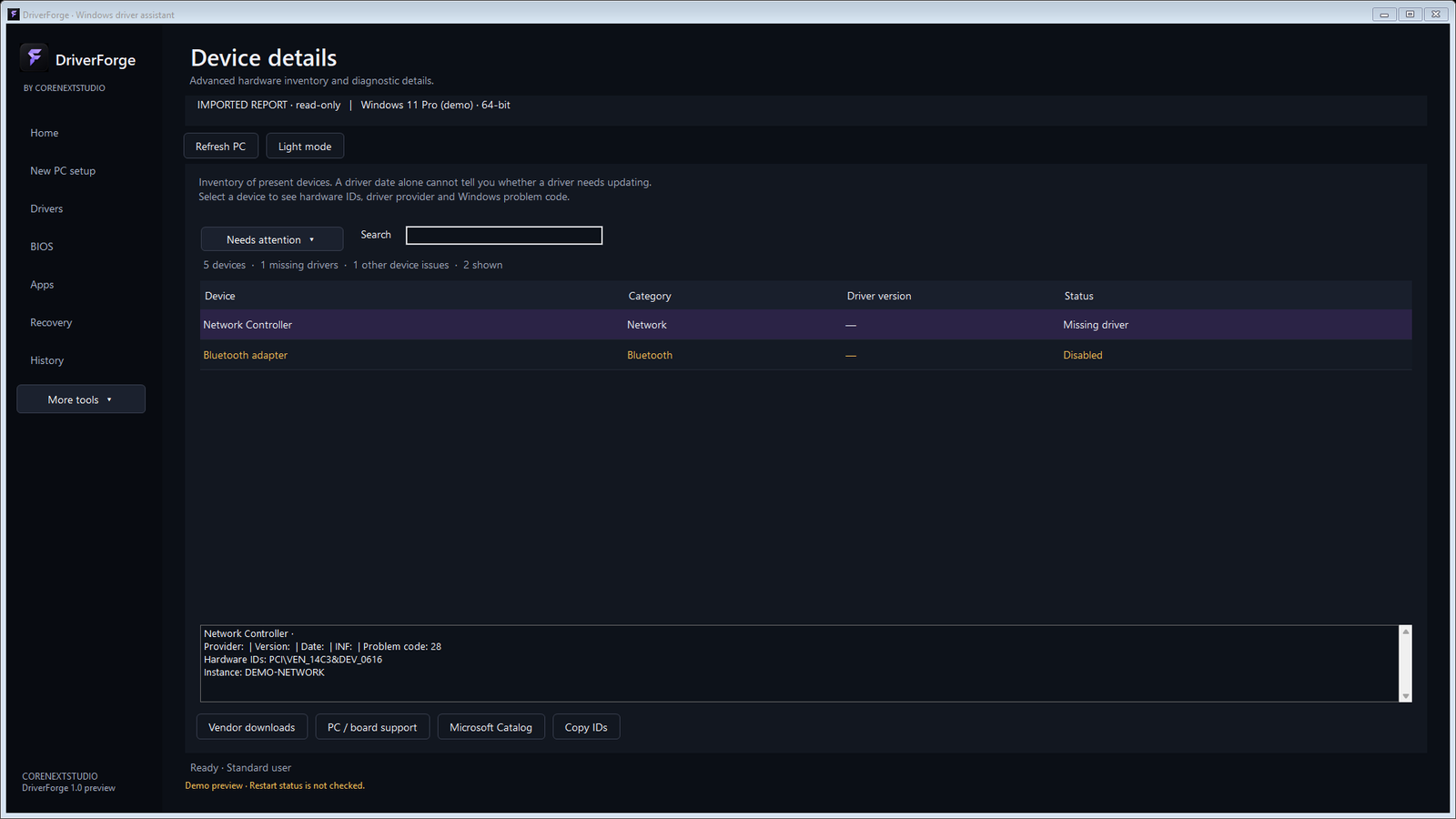
Detect motherboard, BIOS, graphics, network, audio, chipset, and other Windows devices.


BY CORENEXT STUDIO
Identify PC hardware, find missing drivers, and review trusted updates from Windows Update and supported official manufacturer sources.
Windows 10 or 11 x64 intended · Tested on Windows 11 x64 · Free to use
Digitally signed and timestamped. Verify the publisher identity shown by Windows before installing. SmartScreen reputation can take time for a new publisher.
DRIVERS AND HARDWARE
Detect motherboard, BIOS, graphics, network, audio, chipset, and other Windows devices.
Find missing drivers and applicable Windows Update offers, prioritizing Microsoft and official manufacturer sources.
Export and import a hardware report for a PC without internet, back up installed packages, and prepare a rescue kit.
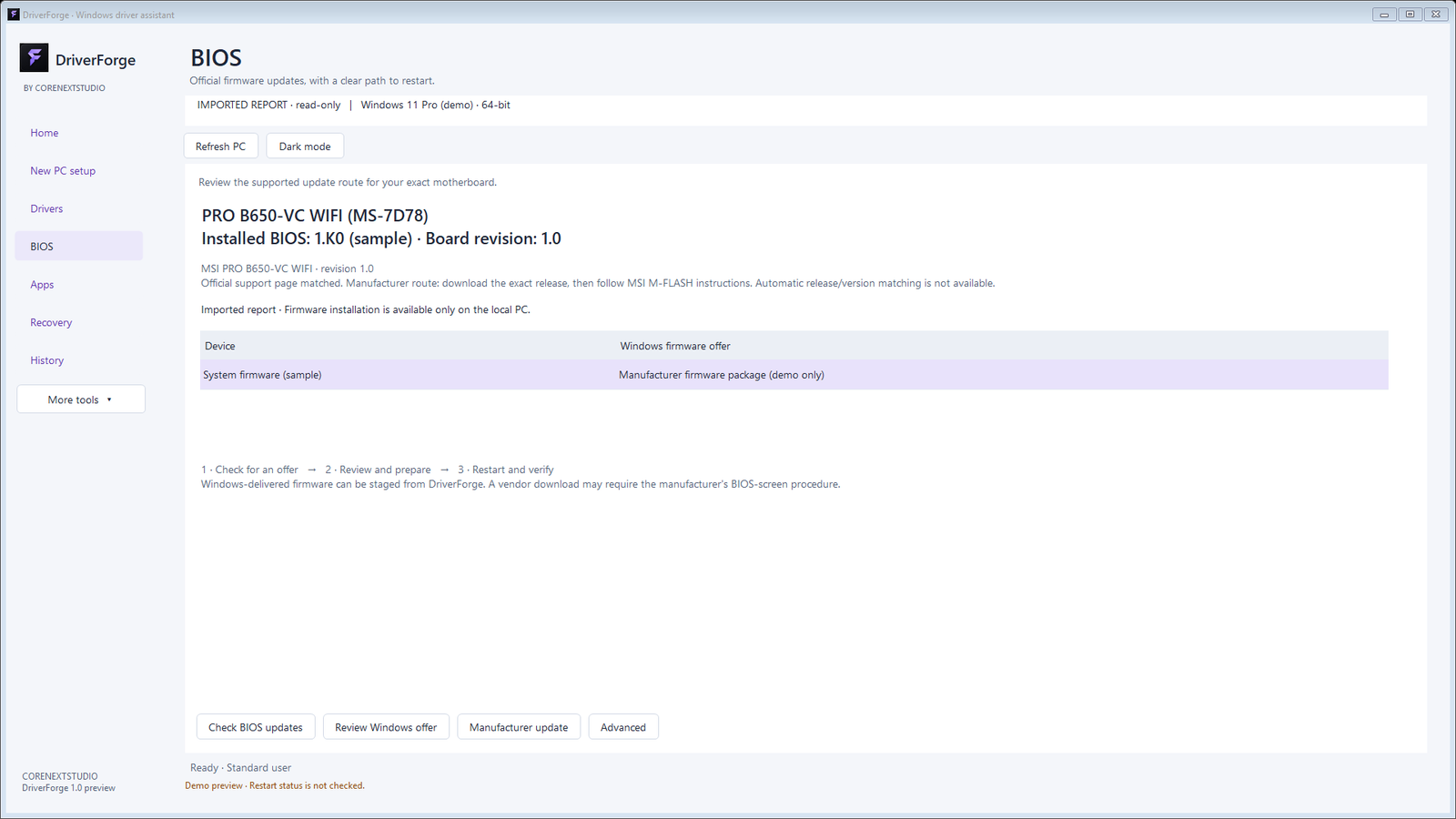
Review firmware details. Stage firmware only for an exact Windows Update hardware match, or open the exact official motherboard support route.
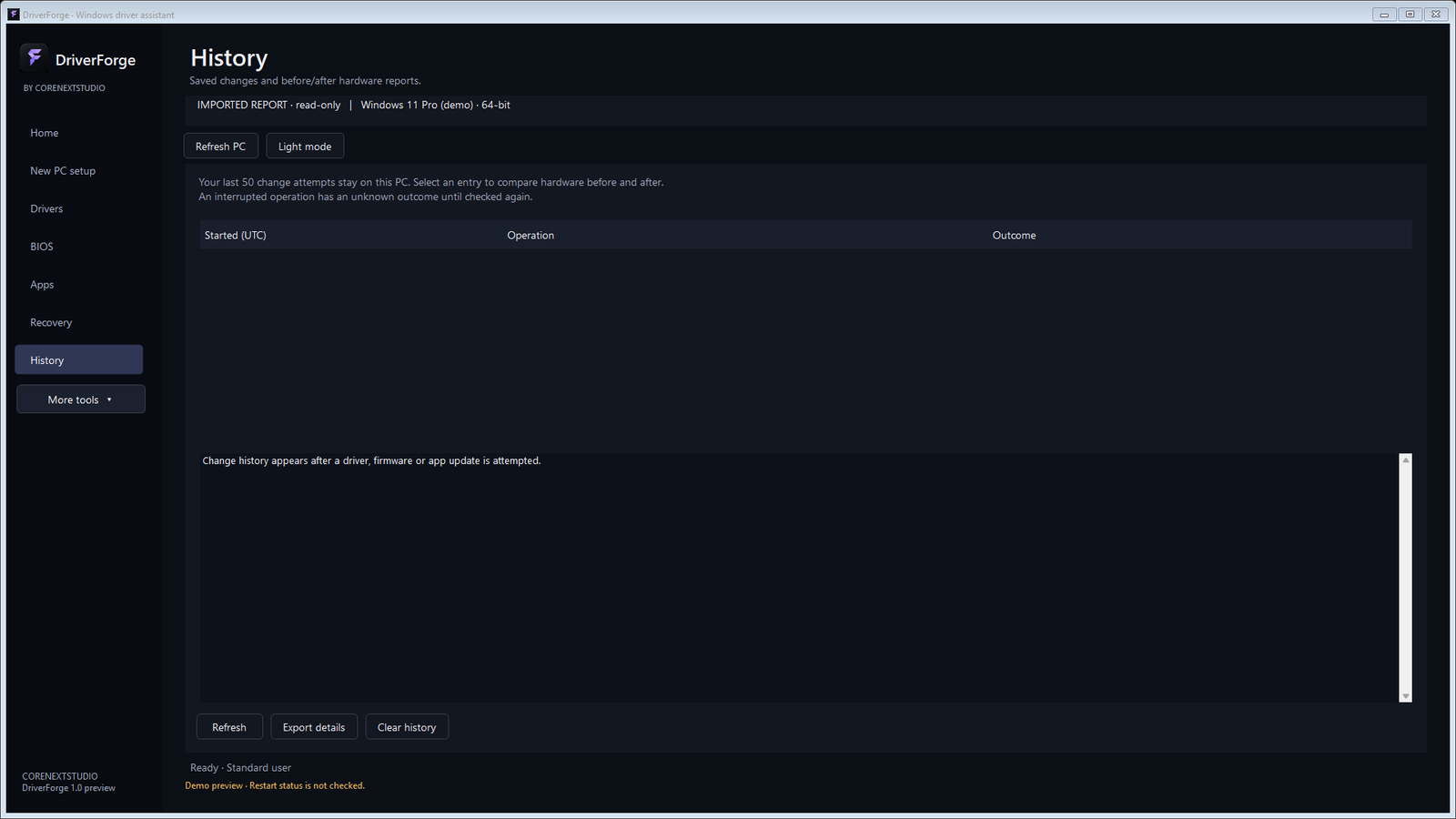
Create a restore point where Windows supports it and keep verified driver package backups.
Install or update 18 reviewed common applications through Microsoft WinGet, separately from driver installation.
DOWNLOAD DETAILS
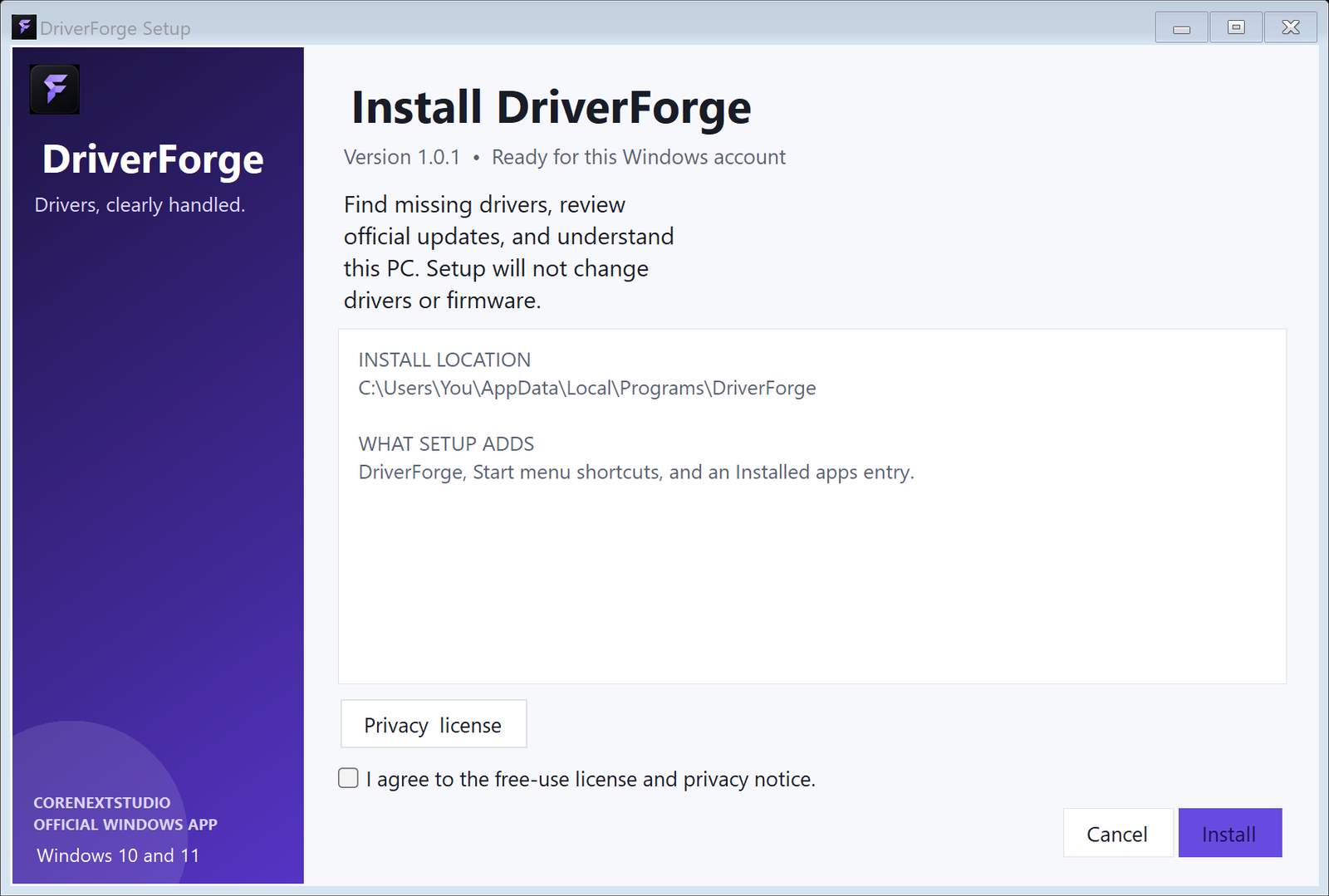
Installer: adds a normal per-user installation and shortcuts. Portable: extract the ZIP and run the app without installation; preferences still use your Windows profile.
Version 1.0.4 · Current signed release · Published September 29, 2026 · Free to use · Windows 10/11 · .NET Framework 4.8 or later
Exact file sizes: 12,786,968 bytes (installer); 3,901,519 bytes (portable ZIP).
InstallerCA0E7F7F87E12FABA28127B3051D24E0B8BD5EEAA36529FDB0286159216C8C45
Portable ZIP98887D5A62C8FB1959E758F72159063132A41F1440C163DE094CFBF18BDA1955
DOWNLOAD SAFETY
New applications can be marked uncommon or suspicious by a browser until they build download reputation. Both CoreNext Studio installers and the applications inside the portable ZIPs are digitally signed and timestamped through Microsoft.
Verify the filename, publisher shown by Windows, and SHA-256 checksums before running a download. Keep browser and Windows security enabled.
Release verification: signatures are valid and timestamped; published SHA-256 values match the verified release files.