Compare components
Browse attributed community catalog records and clearly labeled demonstration parts. Review specifications and basic compatibility guidance.

BY CORENEXTSTUDIO
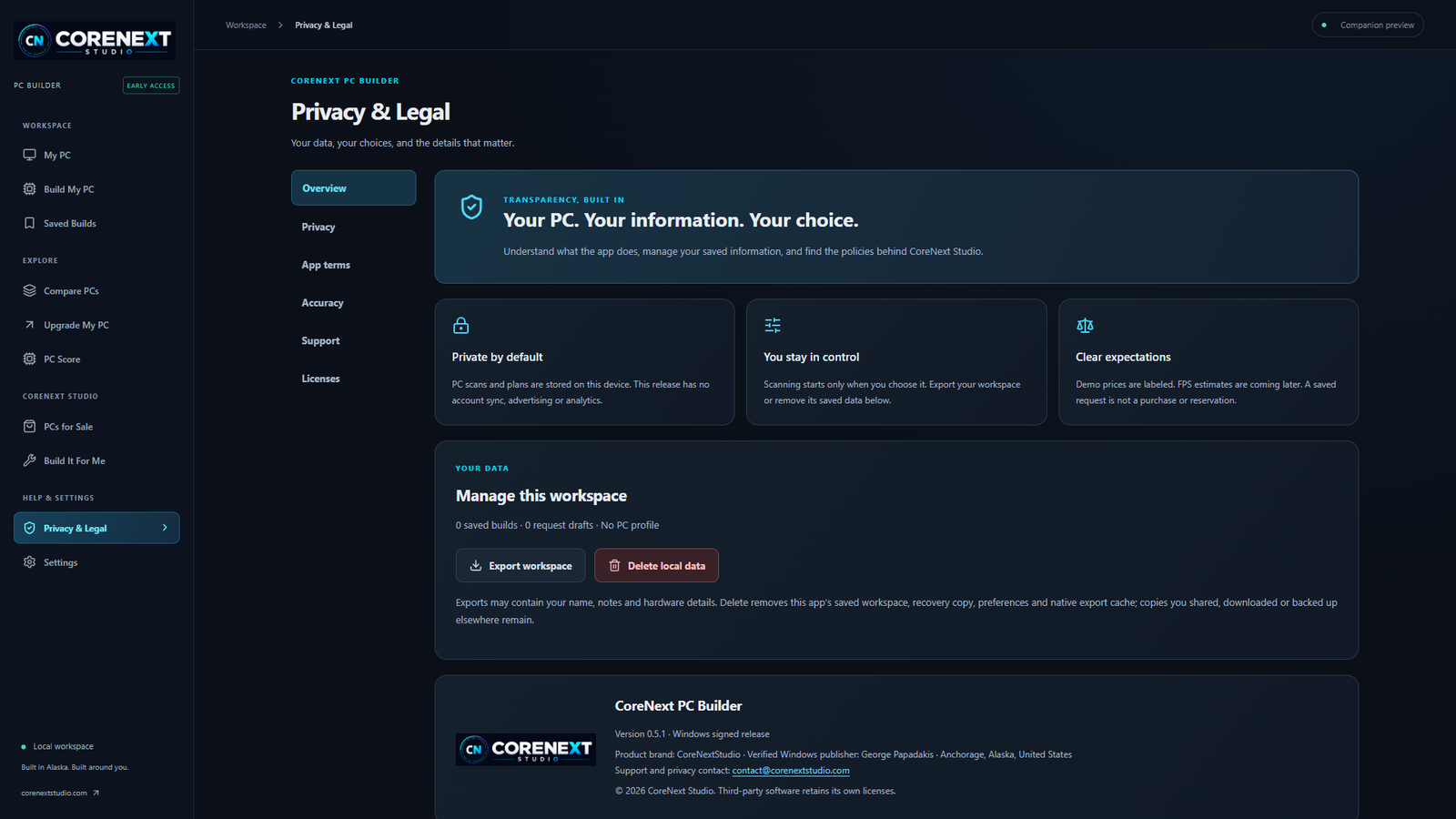
CoreNext PC Builder helps you compare parts, save builds and understand the PC you already have—with an optional read-only Windows hardware scan.
Windows 11 x64 tested · Windows 10 x64 compatibility intended
Signed and timestamped through Microsoft Azure Artifact Signing.
BUILD WITH A CLEARER PICTURE
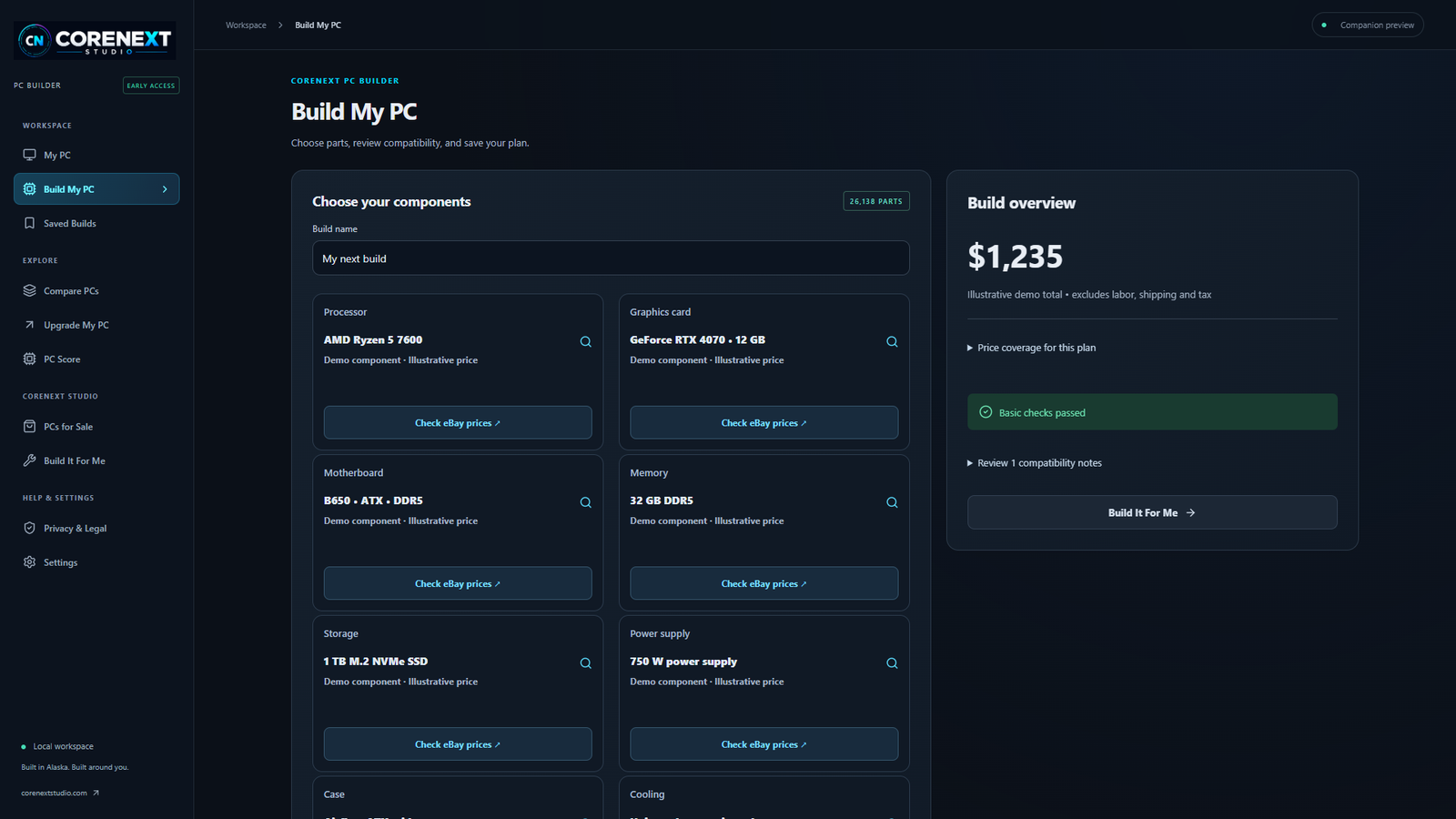
Browse attributed community catalog records and clearly labeled demonstration parts. Review specifications and basic compatibility guidance.
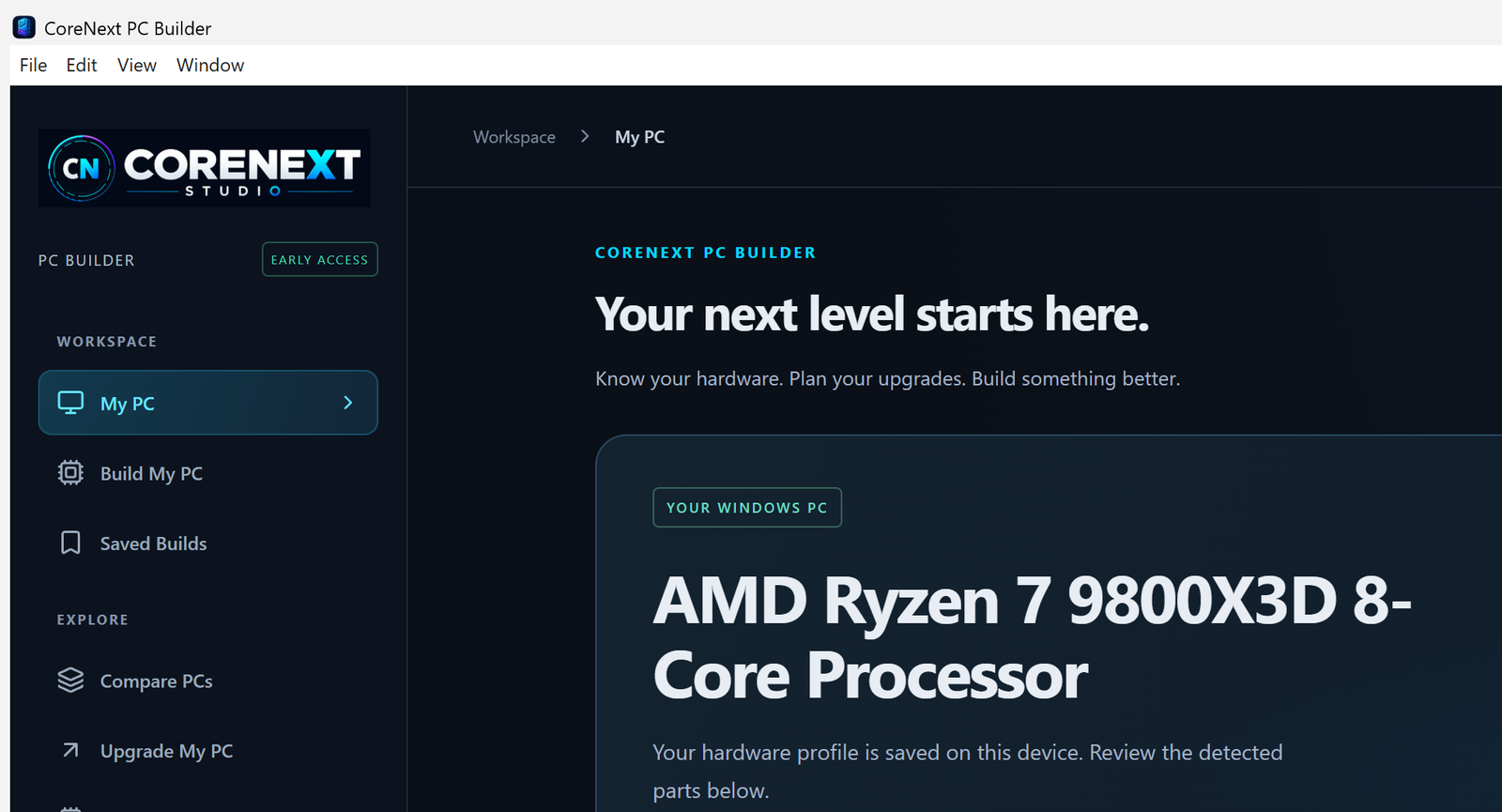
Choose a read-only local Windows scan to review reported processor, graphics, memory and drive information. No remote scan or hardware changes.
Keep builds and unfinished drafts on your device. Export your workspace or prepare an email to review and send yourself.
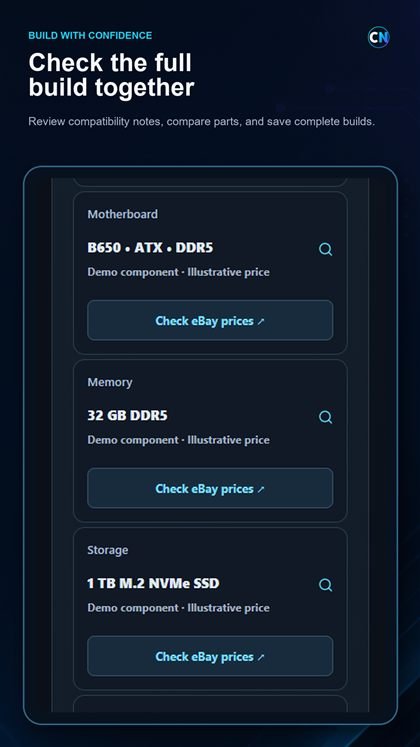
Request candidate listings for a selected part through CoreNextStudio and eBay. Review exact models, condition, shipping and final price before buying. No affiliate tracking is added.
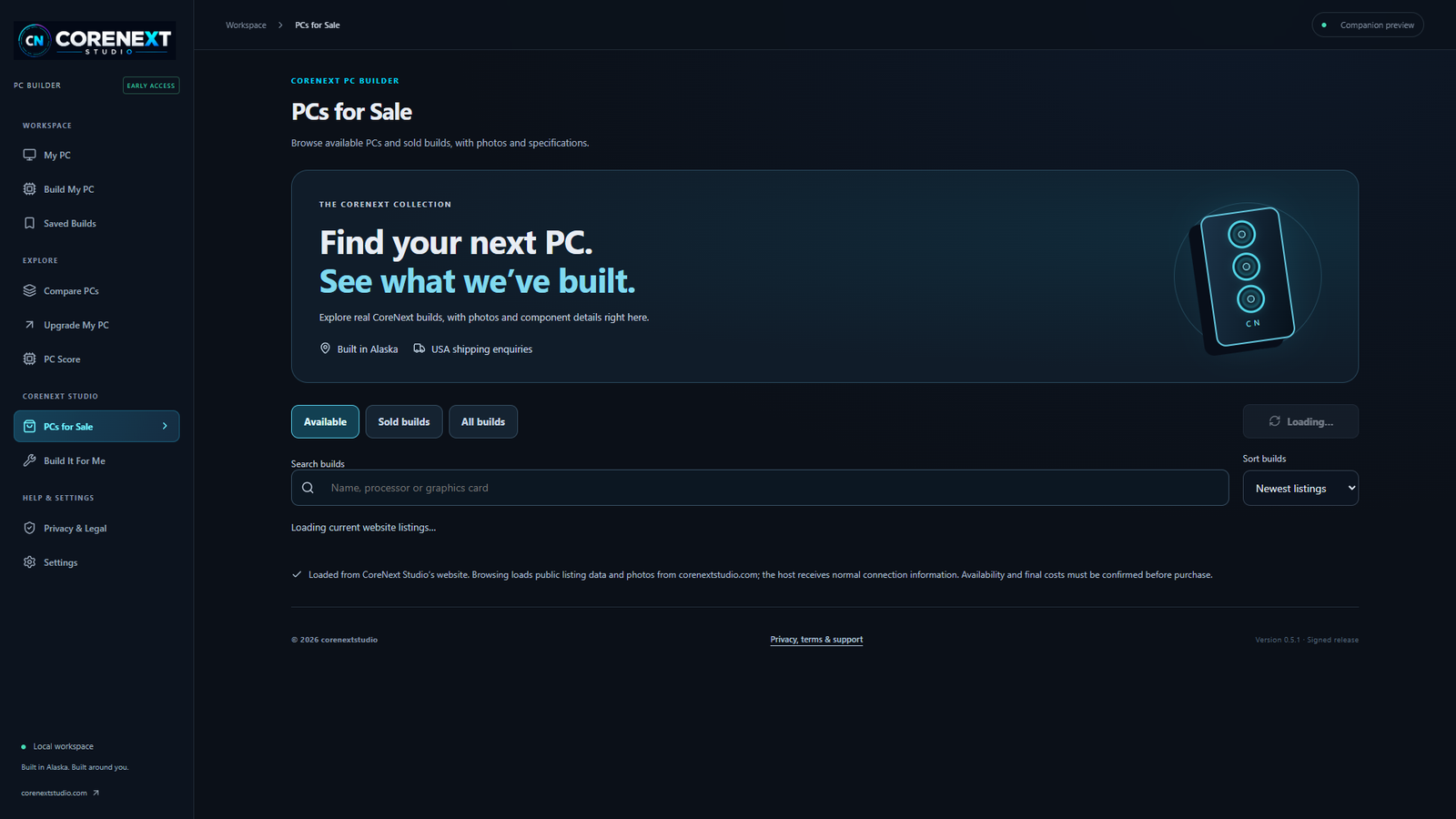
Load public website listings when you open the gallery. Sold builds are historical examples; a contact action does not reserve stock or place an order.
No app account, cloud sync, ads, analytics, telemetry, payment processing or automatic crash reporting. Local data stays until you delete it.
INSIDE PC BUILDER
WINDOWS DOWNLOADS
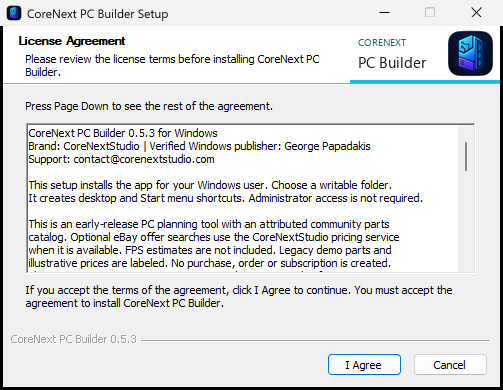
Free to use. Windows 11 x64 is tested. Windows 10 x64 has not completed a separate clean-machine certification pass.
Download the setup file, verify the publisher, and follow the Windows installer. Your local profile is retained on uninstall unless you first delete local data in the app.
111,420,256 bytes · Setup EXE
Download for WindowsSHA-2568d0b5e9c415a45a626cc9d0190609c255110c2a6a227b781ae9d157128079732
Extract the entire ZIP, then open CoreNext PC Builder.exe. Keep the CoreNext Data folder beside it private.
156,812,211 bytes · ZIP archive
Download portableSHA-256b73e1f0cac18c88e6d246ccbeb2536813ac30379ffd0e4dd9a838c6f755d427a
The installer, installed application, uninstaller and portable executable are signed and timestamped through Microsoft Azure Artifact Signing. Windows displays George Papadakis. The ZIP container itself is not Authenticode signed; check the executable after extraction.
A signature verifies publisher identity and file integrity. New-publisher reputation can take time, so SmartScreen or browser warnings may still appear. Keep Windows and browser security enabled.
Download SHA-256 checksumsANDROID COMPANION
CoreNext PC Builder for Android supports local build planning, saved builds, component comparisons, imported Windows PC profiles, optional eBay offer searches and reviewed enquiries.
Version 0.5.3 is active on the Google Play Alpha closed-testing track. Access is limited to approved Google accounts; Google Play currently reports 0 participating testers and controls installation and updates.

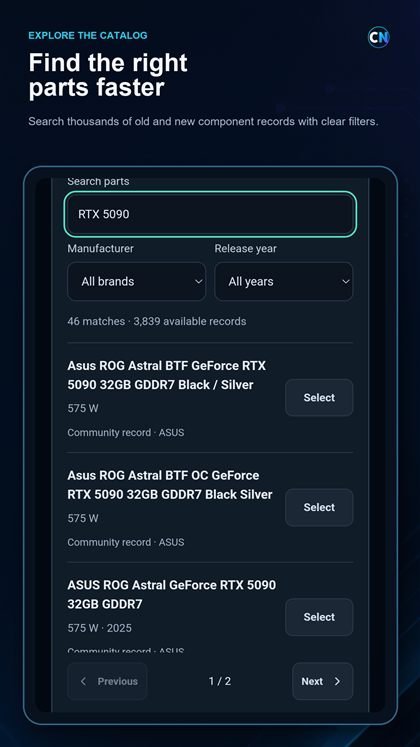
Search component records, assemble builds, compare parts and review clearly labeled compatibility notes and planning scores.
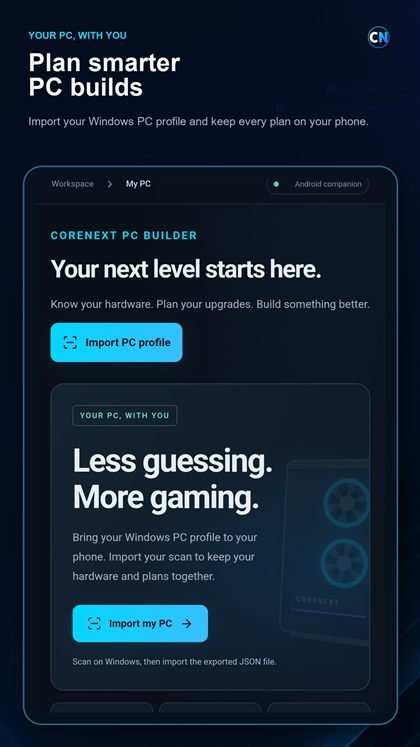
Import a profile exported from CoreNext PC Builder for Windows without remotely scanning your computer from Android.
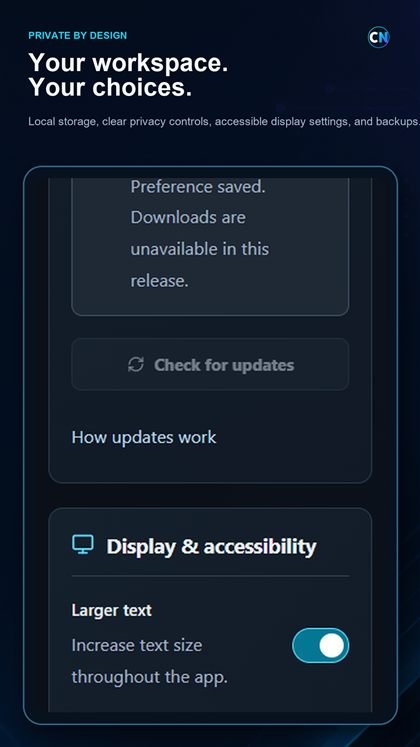
Save, export, import and delete the workspace on your device. No app account, subscription, ads, analytics or cloud synchronization.
Open public CoreNext PC listings and request candidate eBay offers for selected catalog parts when you choose.
REAL ANDROID APP SCREENS